Product: My Space
Steps to Login:
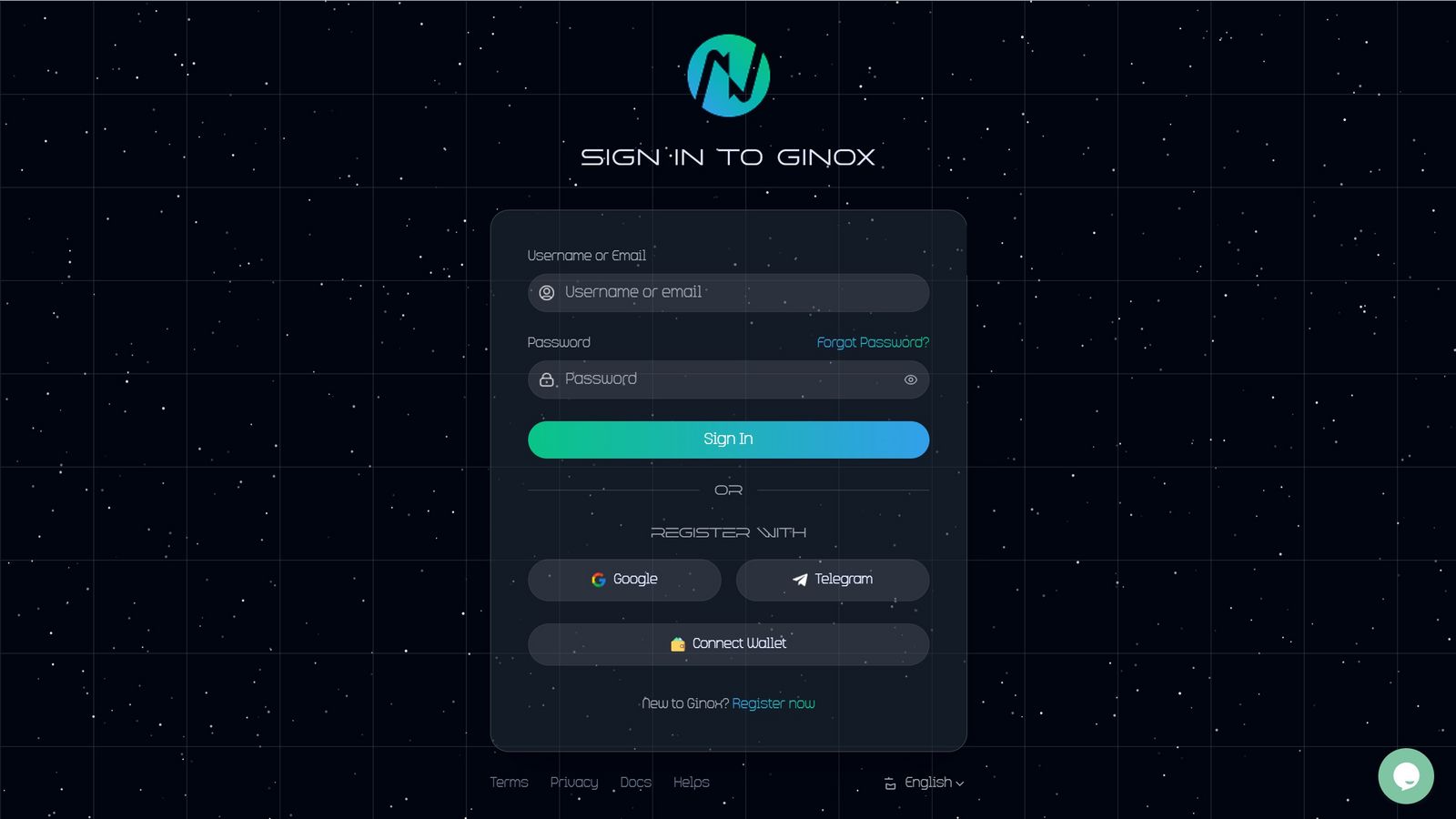
1.Go to Login Page.
Click on the Login button.

2.Enter Your Credentials
Enter your Email and password, then click Sign In.
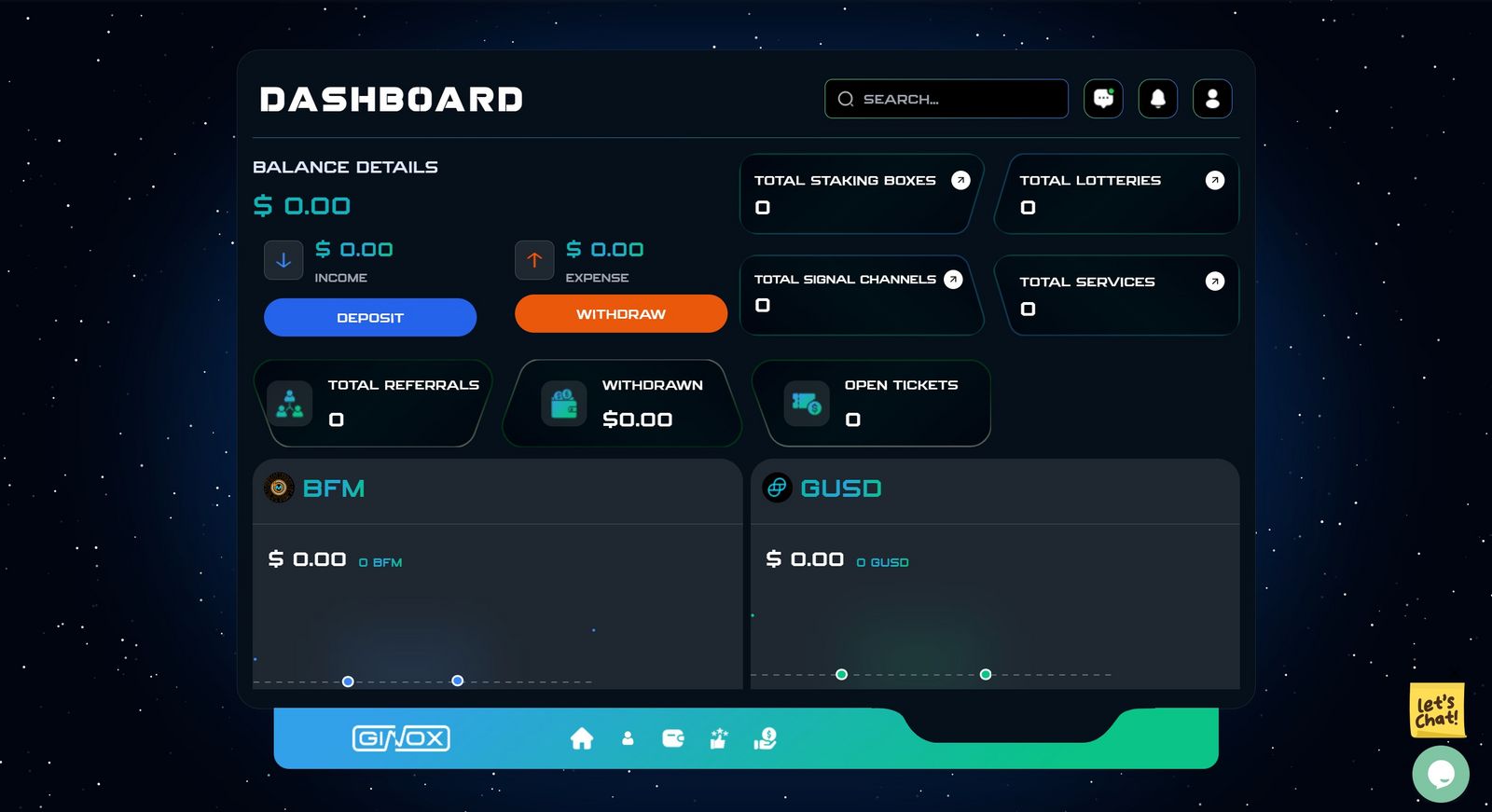
3.Successful Login
After logging in, you will be redirected to your account dashboard.
TIPS
.If you Active 2FA Code is also enabled on your account, you will required to enter your 2 FA Code before accessing the dashboard.
.If you forget your password, use the Forget Password option.
.If this is the first time you are logging in with a new device, a verification code will be sent to your Email, which you must enter to access your account.